
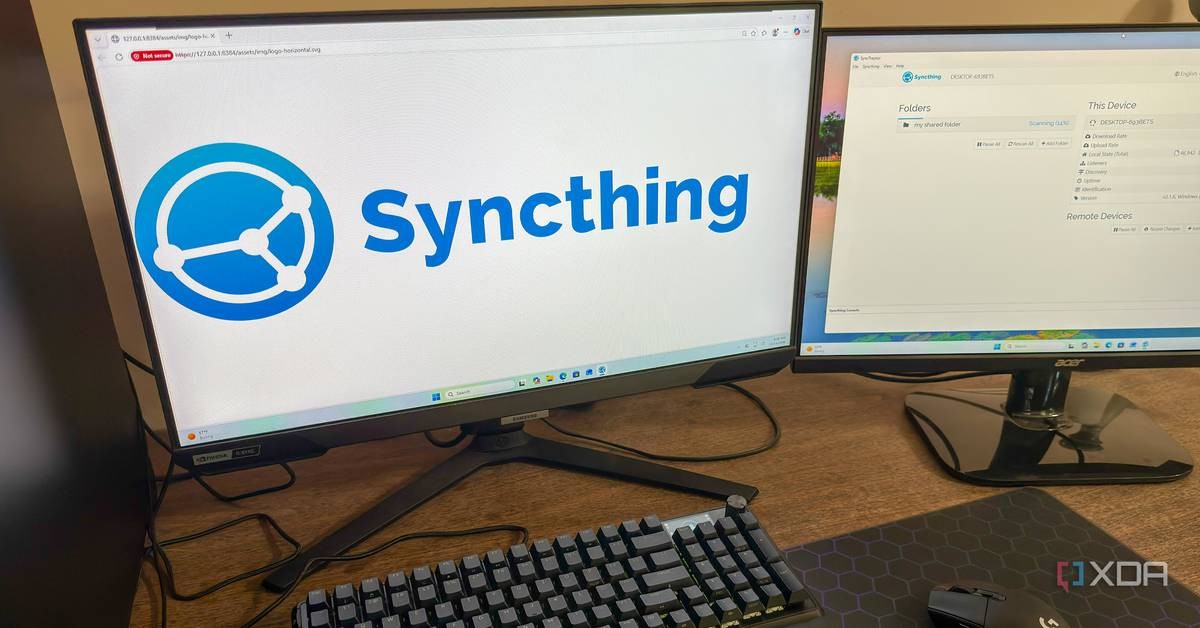
Open-source file synchronisation tool Syncthing has quietly kept a single folder identical across four devices for a full year without any maintenance, according to a hands-on report published by XDA-Developers on 19 October 2026. The writer, a Linux system administrator named Korbin, says he has not touched the software's configuration since the initial setup.
That claim matters for a growing group of users and small organisations looking to cut subscription costs and keep data off third-party servers. Syncthing is free, peer-to-peer, and runs on Windows, macOS and Linux.
How Syncthing works
Unlike Google Drive, OneDrive or Dropbox, Syncthing does not route files through a company's centralised cloud. Devices talk directly to each other. On a local network, Korbin reported that his devices discovered each other instantly without manual configuration. Machines on different networks connect through relay servers, and all transfers remain encrypted end-to-end.
Transfers are fast because Syncthing only sends the parts of a file that changed, using the same delta-transfer method as rsync. Appending data to a large file does not trigger a full re-upload.
What a year of real use looks like
Korbin runs Syncthing on four devices: a Windows desktop, a Windows laptop, an Ubuntu-based NAS server, and a home theatre PC configured as receive-only so it cannot write changes back. The software runs as a background service on every machine, starting automatically on boot via systemd on the Ubuntu server.
The only issue over twelve months was occasional version conflicts when an offline device edited a file that had also changed elsewhere. Syncthing resolves this by keeping both copies, marking one with a .sync-conflict extension, so no data is lost.
The trade-offs: privacy and cost versus convenience
The economic case is straightforward. Cloud subscriptions carry recurring fees; Syncthing costs nothing but the hardware you already own. The trade-off is responsibility: users must configure folders and permissions, handle firewalls and NAT rules, and take their own backups, since sync is not a backup strategy by itself.
For developing markets and cost-sensitive users, that model shifts spending from foreign cloud providers to local infrastructure, a shift consistent with digital sovereignty arguments. The self-hosting and home-lab community is the natural audience, though the XDA report notes the software is not out of reach for everyday users after the first setup.
Why zero-maintenance software wins
The strongest argument in the report is behavioural. Software that needs no attention simply gets used more, and Korbin says he opens the Syncthing interface only when something needs configuring, which after a year has been never.
Cloud storage retains two genuine advantages: an off-site copy of your files and a friendlier first-time setup. Whether those justify a monthly fee depends on how much a user values keeping a fifth copy of their data on someone else's servers.
Frequently asked questions
Is Syncthing free?
Yes. Syncthing is open-source and free to use, with no subscription fees or cloud accounts required.
Does Syncthing use the cloud?
No. It synchronises files directly between devices, peer to peer, though relay servers can broker connections between machines on separate networks. All transfers are encrypted end-to-end.
Is Syncthing a replacement for backups?
No. Synchronisation replicates current files across devices but does not protect against accidental deletion or corruption spreading everywhere. Users still need a separate backup routine.